
Meet Wordfully: an AI writing assistant for your browser
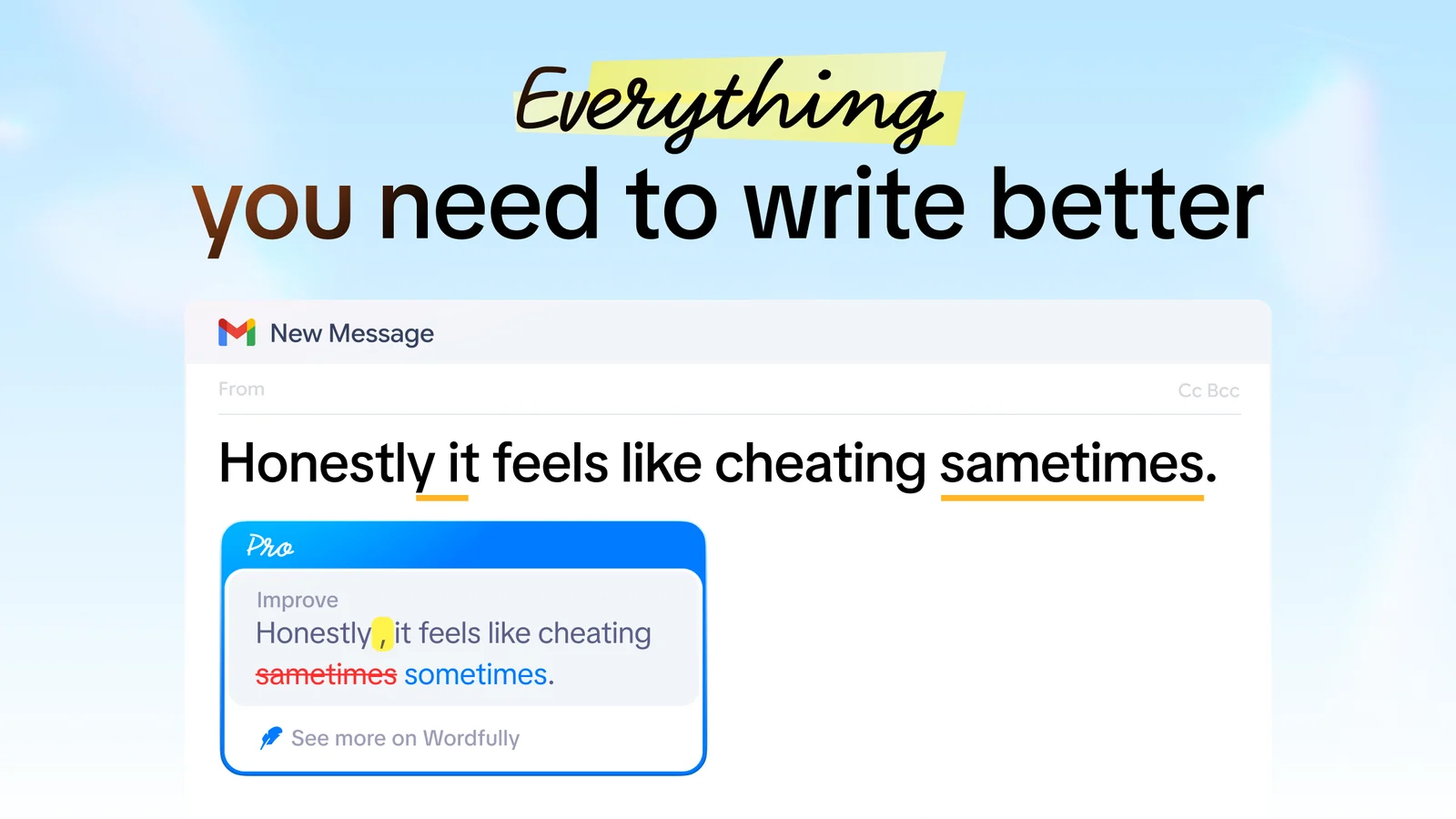
Wordfully is a Chrome extension that helps with your writing in the place you're already writing it. Install it once and its suggestions appear inline in Gmail, Google Docs, Slack, Notion, LinkedIn and most other web apps. You don't copy a draft into a separate editor and paste it back. Grammar fixes, rephrasing, tone changes, translation and definitions all happen on the page.
Fix several grammar mistakes in one click
When a sentence has more than one mistake, you don't have to fix them one at a time. One click in the tooltip fixes several of them at once, and Wordfully tells you why it suggests each change.
Here is a sentence with an article error and a missing apostrophe:
Before: She writes a email, and its ready.
After: She writes an email, and it's ready.
Nothing else in the sentence changes. Instant grammar corrections work in English only. More on the grammar and writing features.
Some mistakes get past a spellchecker because the wrong word is still a real word, like affect where you meant effect. Our guide to commonly confused words covers 20 of those pairs.
Rephrase a sentence
Ask Wordfully to rephrase any sentence. Every rewrite is humanized by default, and you pick which of its edits to keep, so you can take the better verb and leave the rest. Rephrasing works in most widely spoken languages, not only English.
Before sending the result, use our guide on how to check an AI rewrite for changes to meaning, details, and links.
Change tone with a command
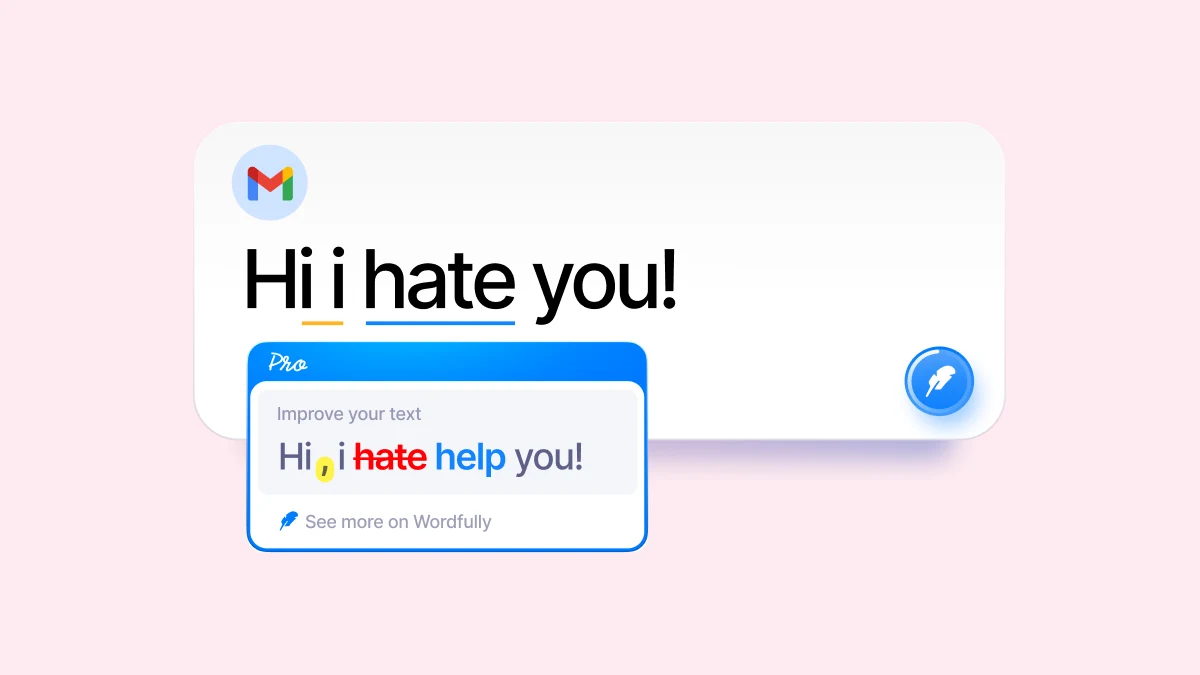
One command makes a message friendlier, firmer or shorter. If none of those is quite right, add your own instructions to the prompt. Wordfully also adapts the tone to the context, so a message to your manager and a note to a friend don't come out the same.
A firmer version of "Can you review the draft?" is "Please review the draft." It's the same request, but it no longer sounds optional. For a longer workplace example, see how to ask for a status update.

Choose a model or use Auto
Rewrites can come from GPT, Claude, Gemini, DeepSeek, Grok, Kimi or GLM. Pick one yourself or let Auto choose. If one model's version sounds off, try another. Whichever model writes the suggestion, you still decide which edits stay.
Translate and check definitions
Select some text, type the language you want, and Wordfully translates it. Like rephrasing, translation works in most widely spoken languages. While you write, it can also show you what a word means.
Pause Wordfully on a site
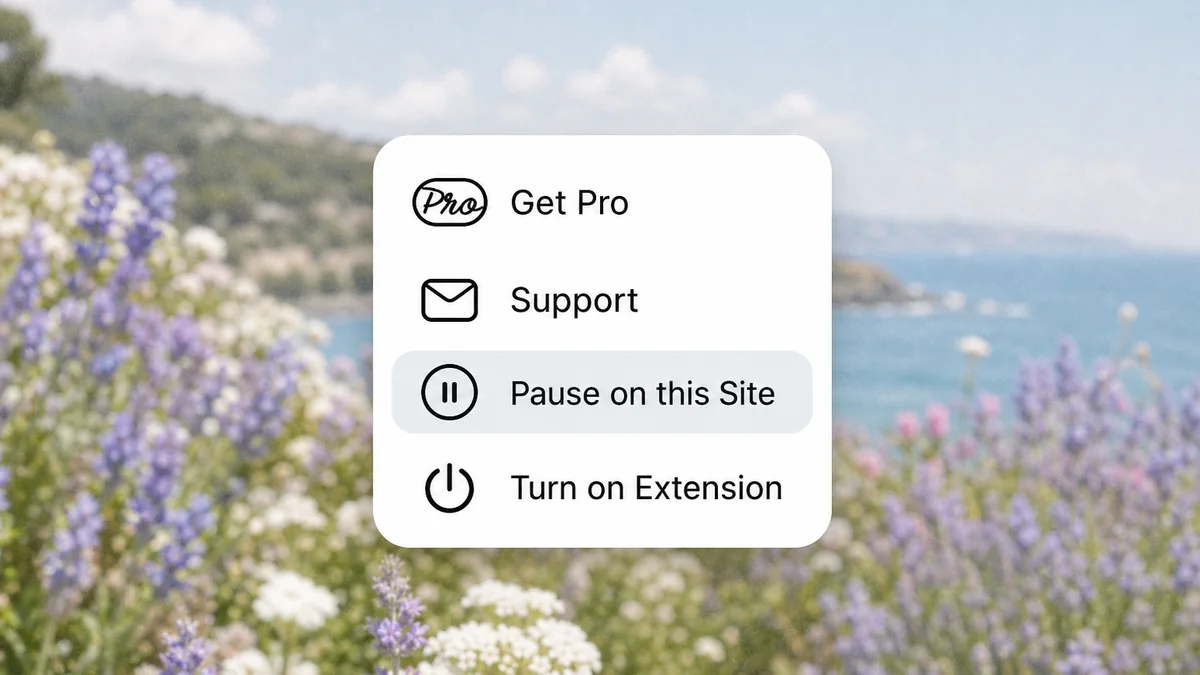
If you'd rather not see suggestions on a site, pause Wordfully there. To turn it off for a whole domain, use the extension settings.
Keep control of your text
Wordfully processes your text only to return suggestions. We never sell it or share it.

Try Wordfully Pro
Pro comes with a 7-day full refund. Use it on your real emails and documents for a week, and if it doesn't earn its place, cancel and get all your money back. After that you can still cancel whenever you like, and Pro keeps working until the end of the period you've paid for. Current prices are on the pricing page.